Distance to Spatial Domains
The Distance to Spatial Domains application computes, for each location in an object, the nearest distance to each class defined in a referenced or boolean data property. This is useful for feature extraction in machine learning workflows, where proximity to geological units, lithological boundaries, or other spatial domains can serve as predictive variables.
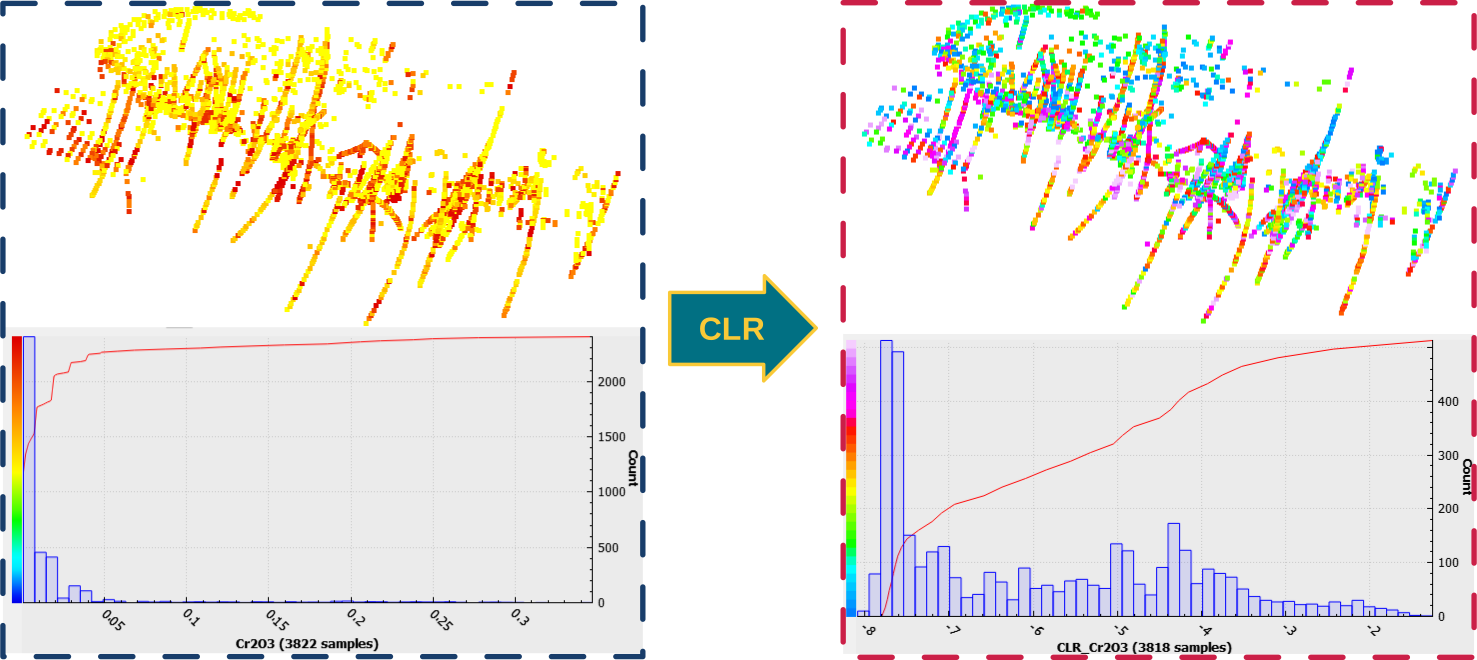
For example, given a 2D Grid or Block Model with a lithology property, the application creates one distance property per rock type. Each cell stores how far it is from the nearest cell of that lithology, which can be used directly as a machine learning feature.
Interface
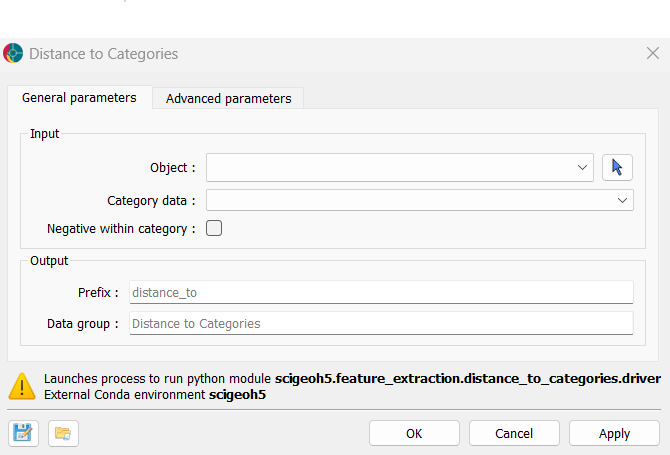
The parameters controlling the Distance to Spatial Domains application are shown in the figure below.
Input
Object: The object for which distances to each domain will be computed.
Classified data: The classified (
Referenced) orBooleandata defining the domains. One distance property is created per class. A class is skipped if all data locations belong to it (distance would be 0 everywhere) or if none do (no target points to measure distance from). Class0(representing UNKNOWN or FALSE) is always excluded from the output.Negative within class (default = False): If unchecked, all output values are non-negative. Cells belonging to the class have a distance of 0, and all other cells carry their distance to the nearest cell of that class. If checked, cells inside the class receive a negative value representing their distance to the nearest class boundary.
Output
Prefix (default =
distance_to): Prefix for output distance properties. Each property is named[prefix]_[class name].Data group (default =
Distance to Spatial Domains): Name of the output property group containing all distance properties.
Algorithm
Two distance algorithms are used depending on the object type:
Euclidean Distance Transform (EDT): Used for regular grids — uniform
2D Gridobjects andBlock Modelobjects with uniform cell sizes in all three directions. This method directly operates on the shaped grid data, making it efficient for large regular meshes.KDTree: Used for all other object types (
Points,Curve,Surface,Octree Grid,Draped Model). A spatial tree is built from the coordinates of the target class, and the nearest-neighbour distance is queried for all other locations.
Note
The EDT method requires uniform cell sizes in all dimensions. If a Block Model has variable cell sizes, the KDTree method is used instead.
Results
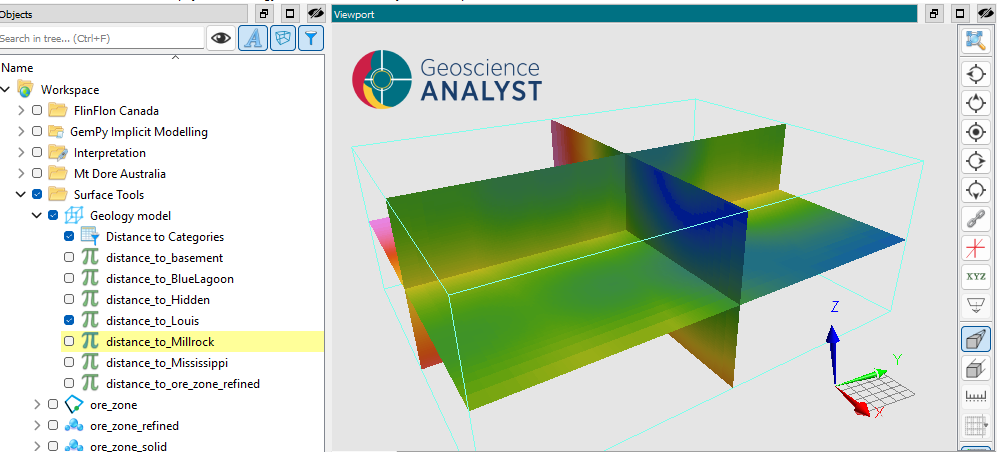
The application creates a new property group on the input object. Each property in the group contains the distance values for one class, named [prefix]_[class name], as illustrated in the figure below.
Tutorial
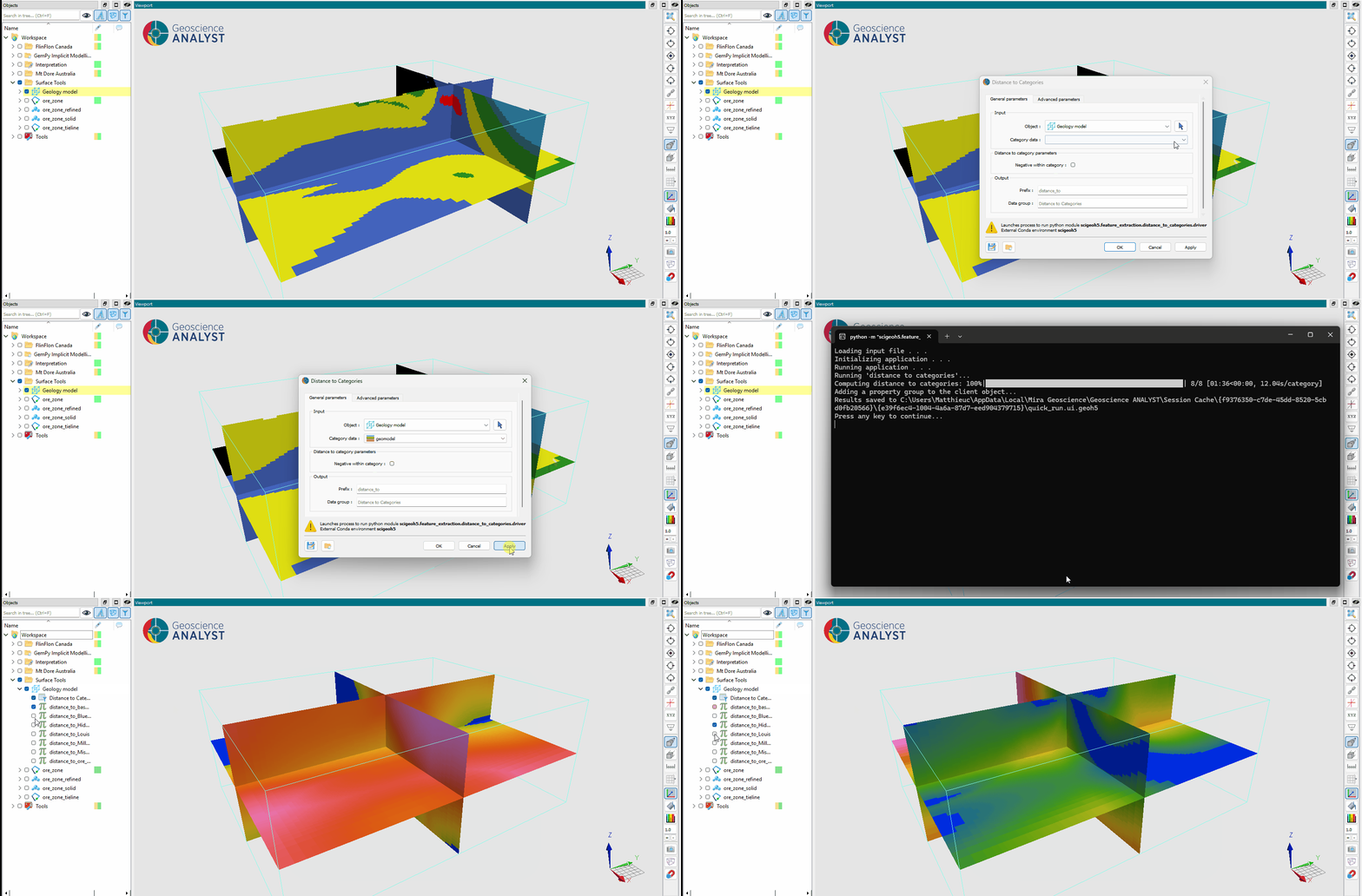
The following animated image presents a tutorial on how to use the Distance to Spatial Domains application.
Open the application.
Select the object containing the data.
Select the referenced or boolean data property.
(optional) Enable Negative within class to obtain signed distances.
Define the output prefix and group name.
Run the application.
Inspect the computed distance properties.